How to Change TV Input on Royal Caribbean TVs (No Remote)
Switch a Royal Caribbean Samsung cabin TV to HDMI using only the power button under the screen, so you can use a Fire TV Stick without a universal remote.
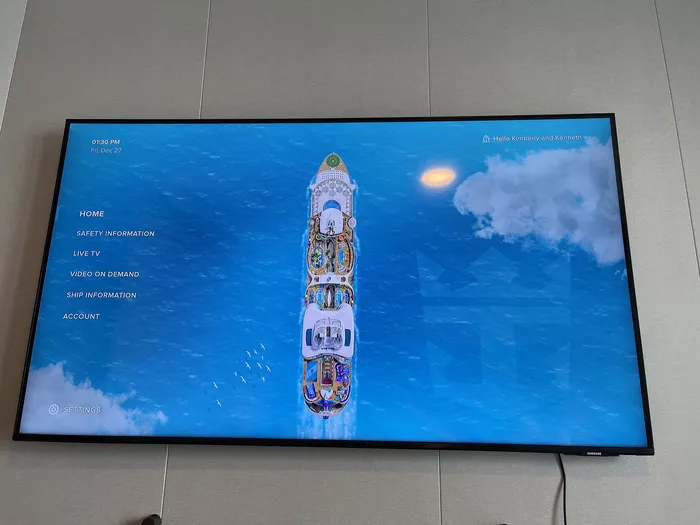
You can switch the stateroom TV on a Royal Caribbean ship to HDMI without a remote. Plug in your streaming device, then use the small power button under the screen: press once to open the menu, short-press to move to Source, and press and hold to select it. The TV jumps straight to your device.
I tested this on the Samsung HG50AU800NF aboard Utopia of the Seas, but many newer or recently renovated ships, such as Harmony, Allure, Icon and Wonder, use the same or similar models.
Step by Step: Switch the TV to HDMI
1. Plug in your streaming device
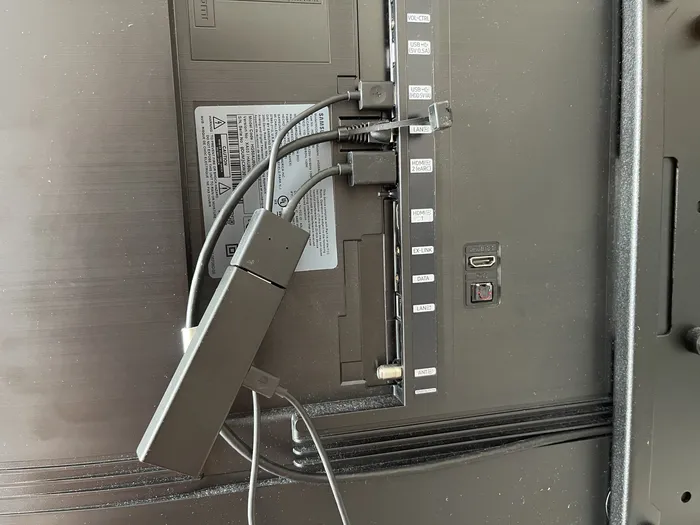
- Plug your Fire TV Stick (or other streaming device) into the TV's HDMI port.
- Power it from the TV's USB port so you don't need a spare outlet.
The HDMI and USB ports are conveniently on the back panel of the TV.
2. Find the TV's power button
There's a small power button beneath the screen, usually in the center near the bottom edge. It doubles as the control for navigating the TV's menu.
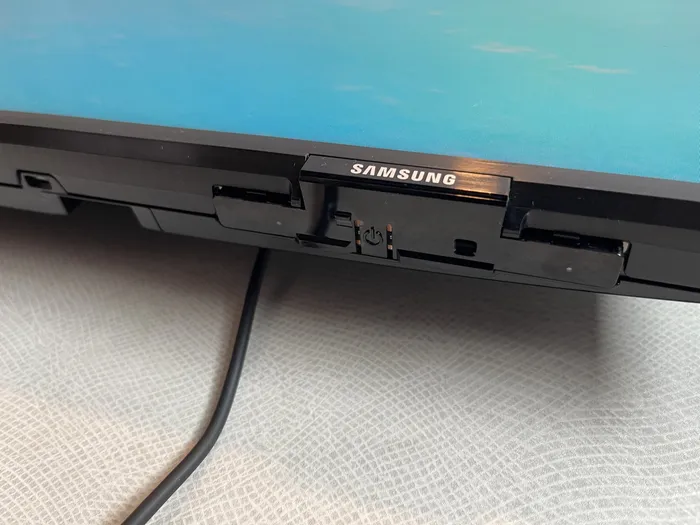
3. Open the control menu
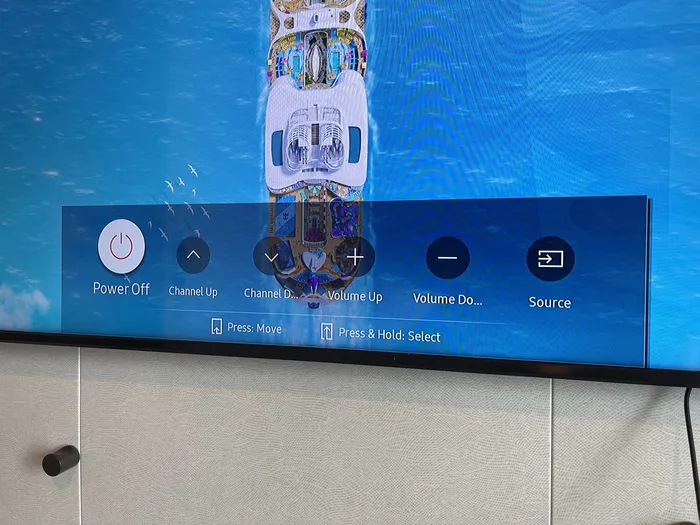
- Press the power button once to open the control menu.
- Short-press to cycle through the options (channel, volume and so on).
4. Select Source
When Source is highlighted, press and hold the power button to select it. The TV switches to the input selection screen.
5. Let the TV pick your device
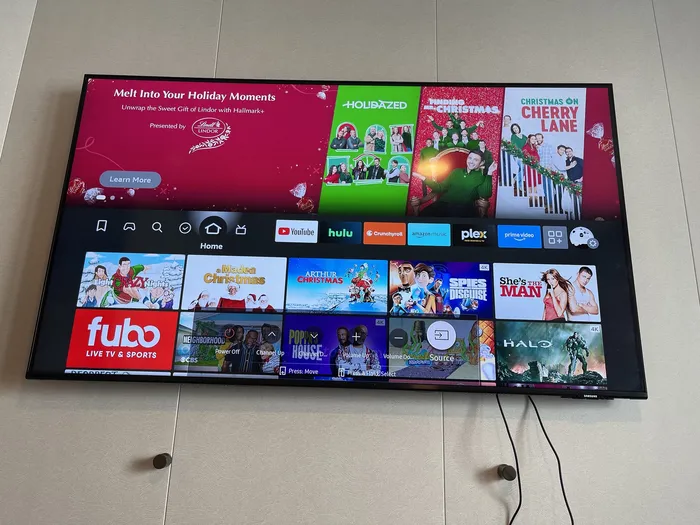
You don't need to do anything else. The TV automatically selects the only available source, which is your HDMI device.
Why This Works
The Samsung TVs on Royal Caribbean ships don't come with a traditional remote that can change inputs, and their default setup keeps guests away from the usual input controls. The physical power button is the workaround: it still gives you access to the menu, including Source.
Tips for Watching Your Own Content at Sea
- Bring an HDMI cable if you're connecting a laptop or a device that doesn't plug straight into the TV.
- Download before you board. Ship Wi-Fi is slow or expensive, so preload shows and movies.
- Pack a universal remote that supports Samsung TVs if you'd rather not use the button every time.
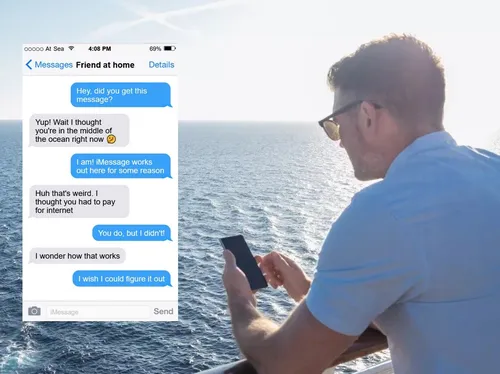
- Share one Wi-Fi package across devices. Here's how to connect all your devices to the cruise Wi-Fi while paying for only one. And if you only need to text, iMessage often works on cruise ship Wi-Fi without a package.
Frequently asked questions
- Can you use a Fire TV Stick on a Royal Caribbean cruise?
- Yes. The stateroom Samsung TVs have HDMI and USB ports on the back, so you can plug in a Fire TV Stick or similar device and power it from the TV.
- How do you change the input without a remote?
- Use the power button under the screen: one press opens the control menu, short presses move between options, and a press and hold on Source selects it.
- Which Royal Caribbean ships does this work on?
- I tested it on the Samsung HG50AU800NF on Utopia of the Seas. Many newer or recently renovated ships, such as Harmony, Allure, Icon and Wonder, use the same or similar Samsung models.
- Will streaming work on the ship's Wi-Fi?
- Only if you've bought an internet package, and ship Wi-Fi can be slow. Download shows to your device before boarding to be safe.